iPhone Device Clearing Cache of Google Chrome App
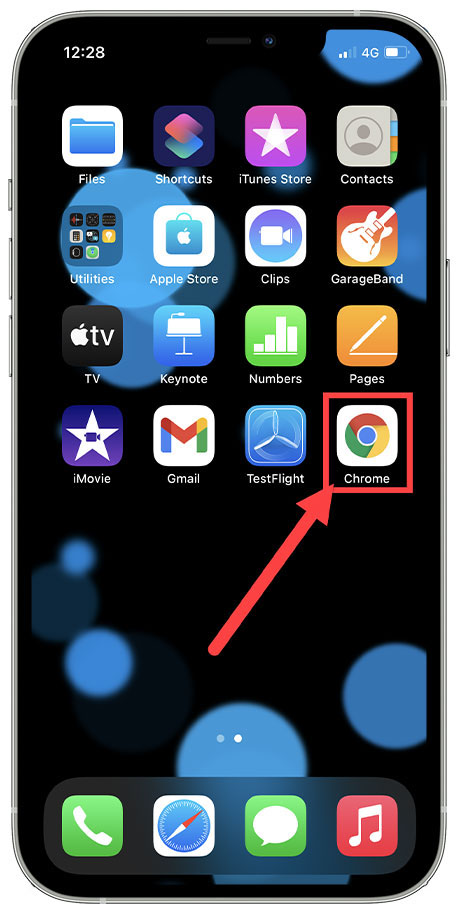
1.On your iPhone open the Chrome App either from Main Screen or App menu
2. Click on the Menu 3 horizontal dots
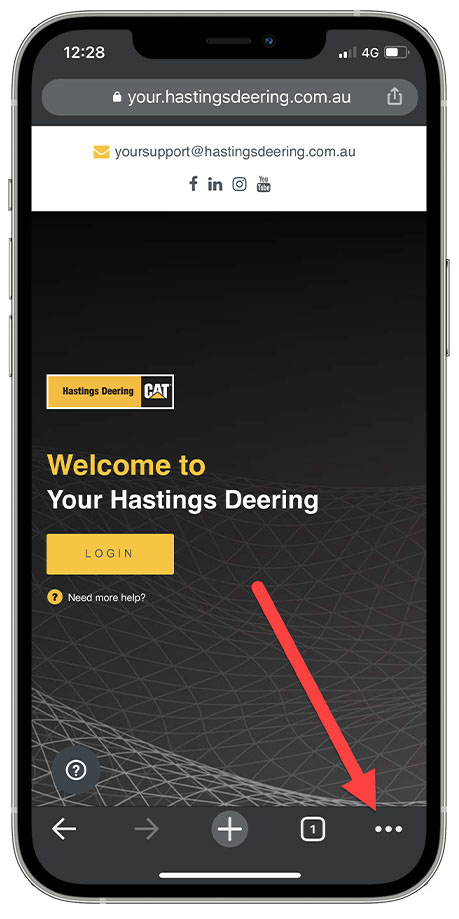
Then click on Settings

3. Click on Privacy in the Menu

4. Click on Clear Browsing Data

5. Open the Time range Menu
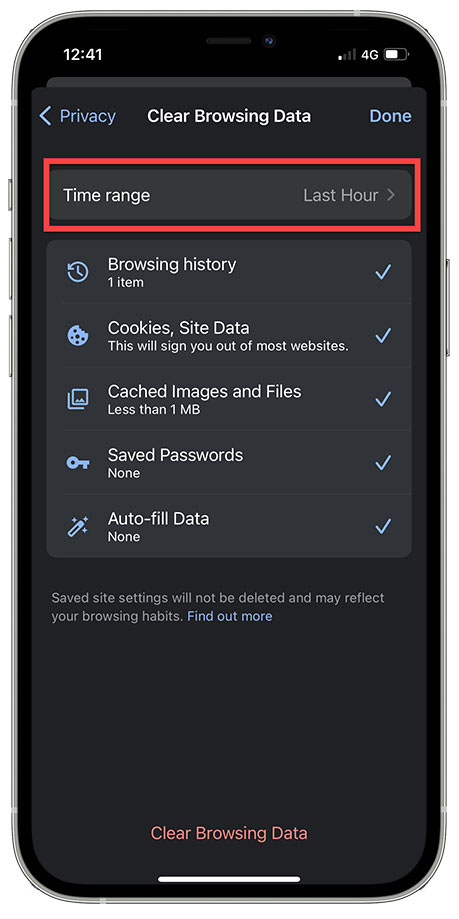
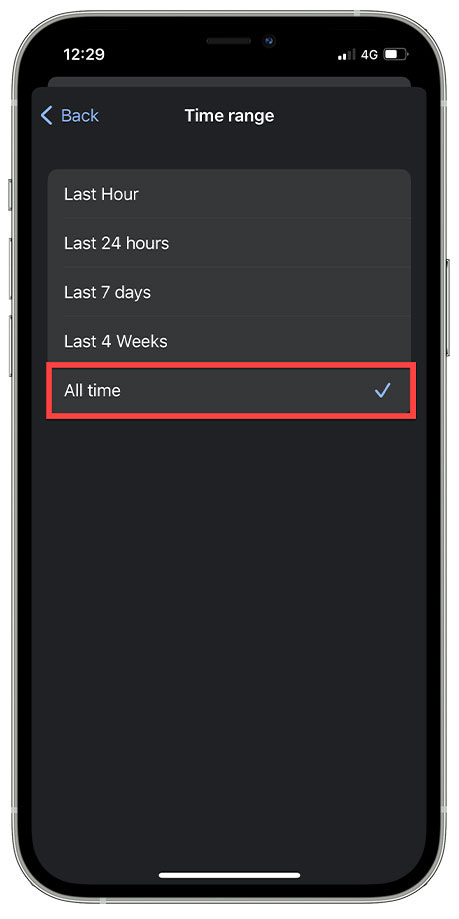
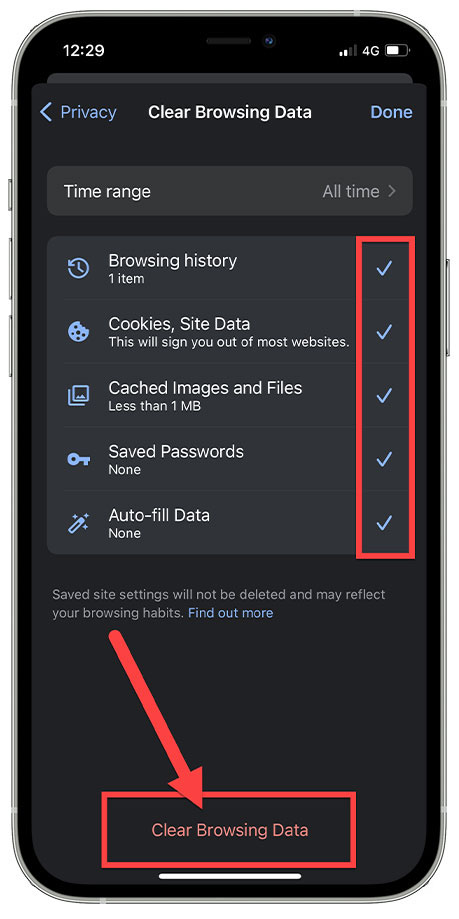
6. We recommend selecting All Time, though you can try the smaller Time Ranges
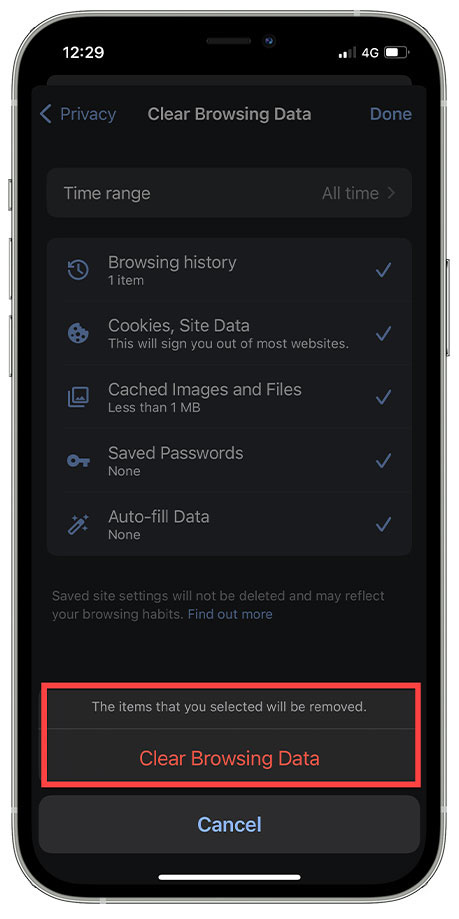
7. Select all the checkboxes, then Click on Clear Browsing Data & Click on the Confirmation Msg to Clear
Comments
Article is closed for comments.