Clearing iPhone Safari Internet Browser Cache
1. Open Settings Menu

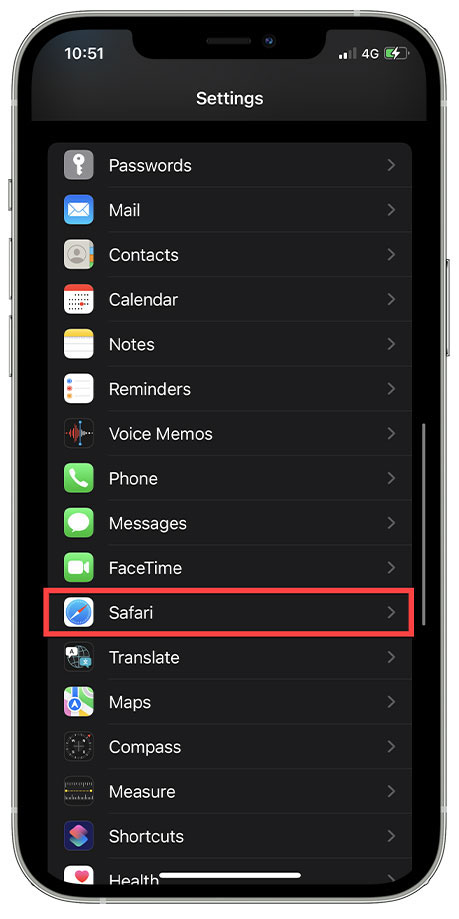
2. Scroll down Menu to Safari & Select
3. Scroll down Page to Clear History and Website Data & Select

4. Click on Clear History and Data

Clearing iPhone Safari Internet Browser Cache
1. Open Settings Menu
2. Scroll down Menu to Safari & Select
3. Scroll down Page to Clear History and Website Data & Select
4. Click on Clear History and Data
Comments
Article is closed for comments.