yourHD and Shared Devices
Some employees will use shared work devices to do their work; this may include handheld devices, tablets, mobile phones and some laptops or desktops.
It is highly recommended that when using yourHD on these shared devices you log off when you are finished.
This will mean information that is personal to you will not be visible to others also using the device.
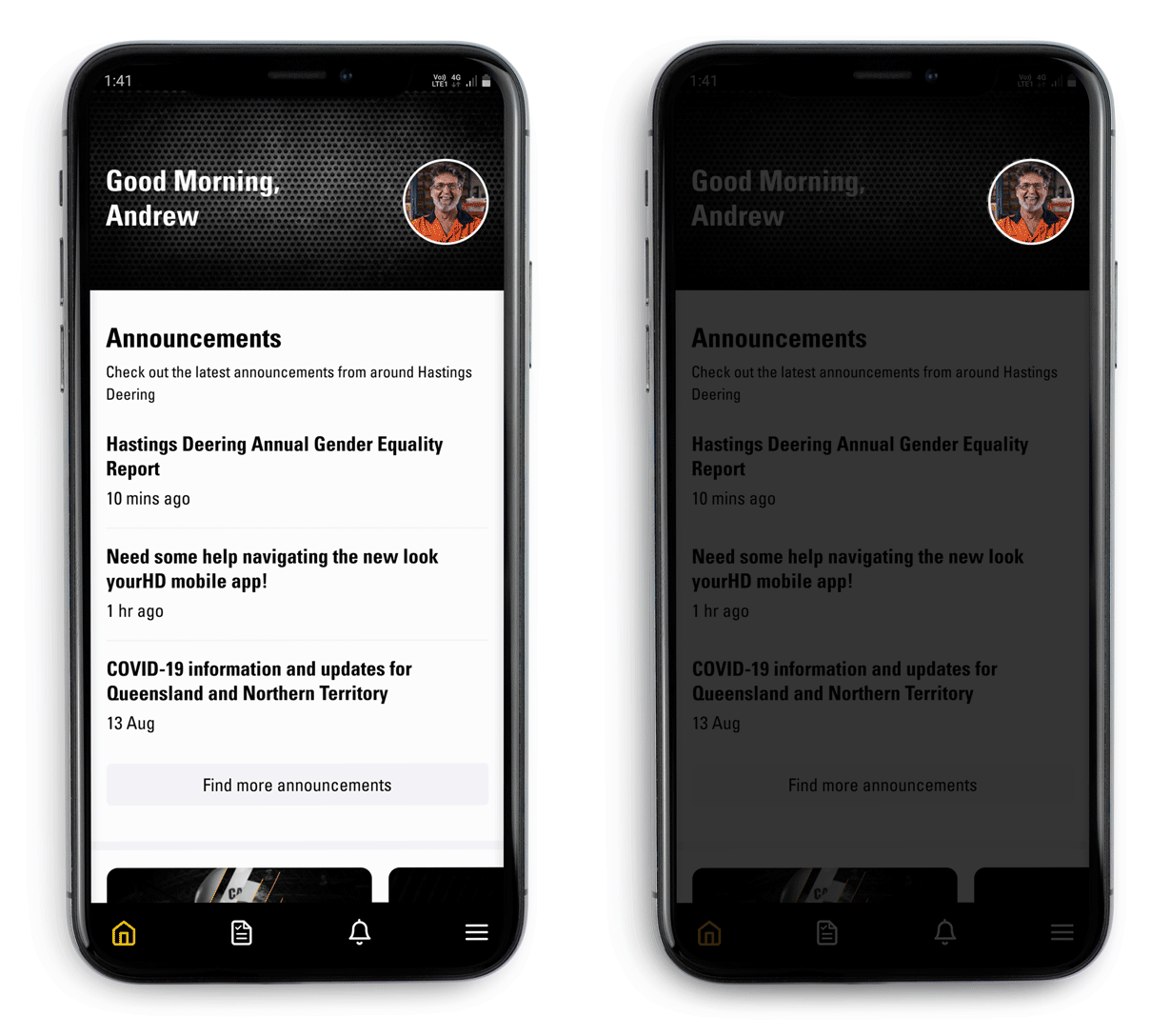
1) Go to your Profile on yourHD: Tap your profile picture at the top right
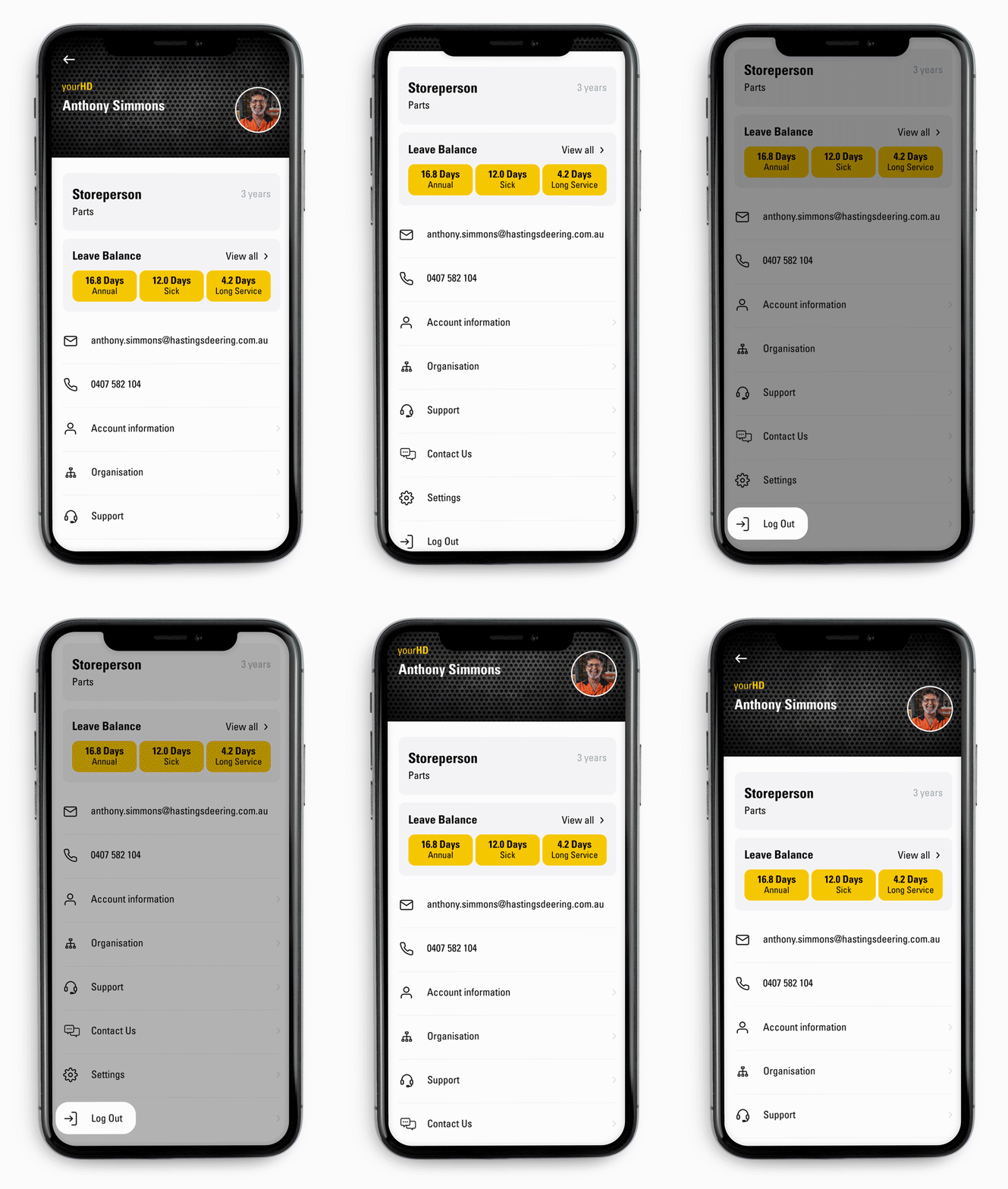
2) Scroll down: Select Log Out to be logged out on the device you are on.
Comments
Please sign in to leave a comment.