Favourite Forms
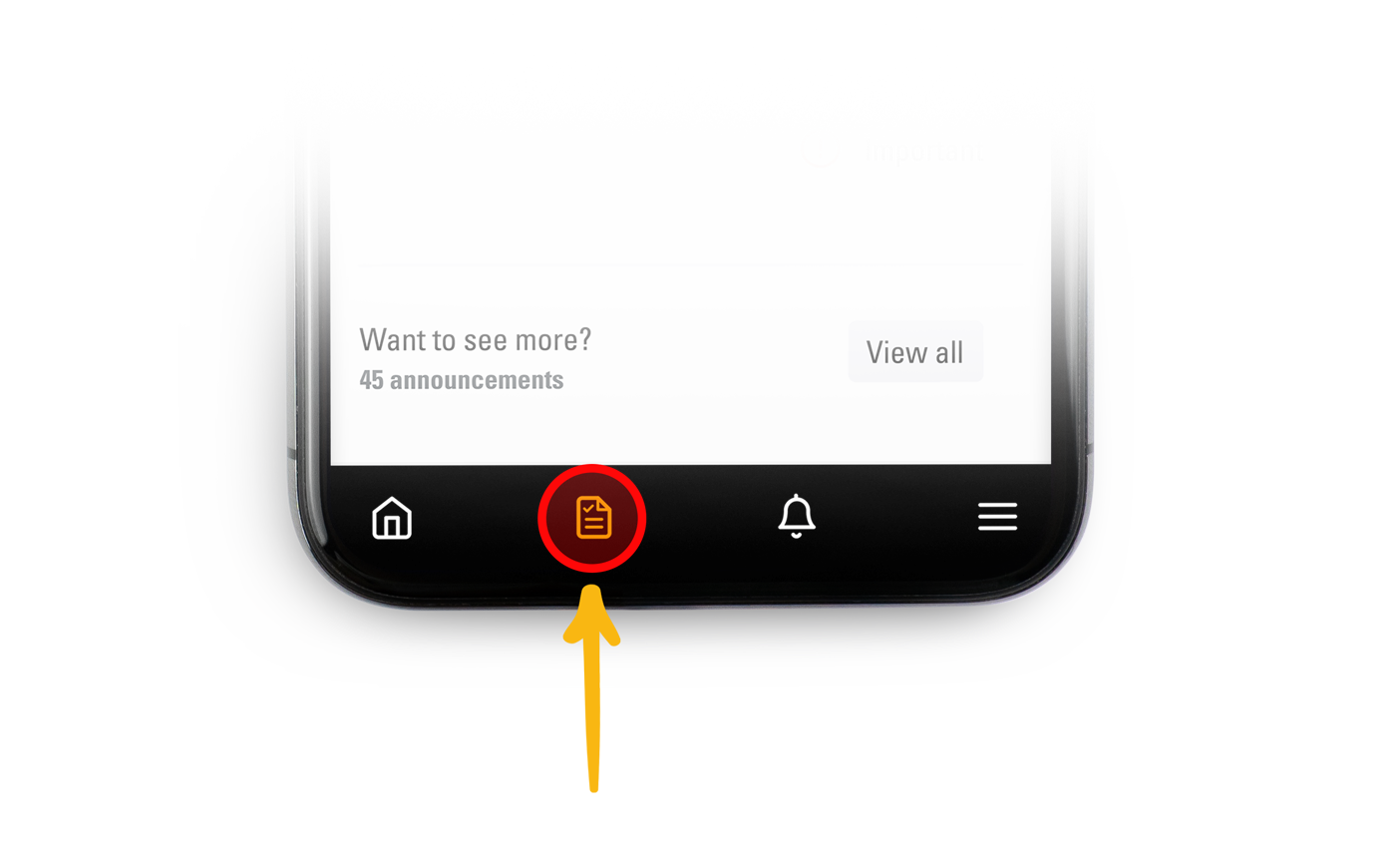
1) Tap the forms icon located at the bottom bar menu.
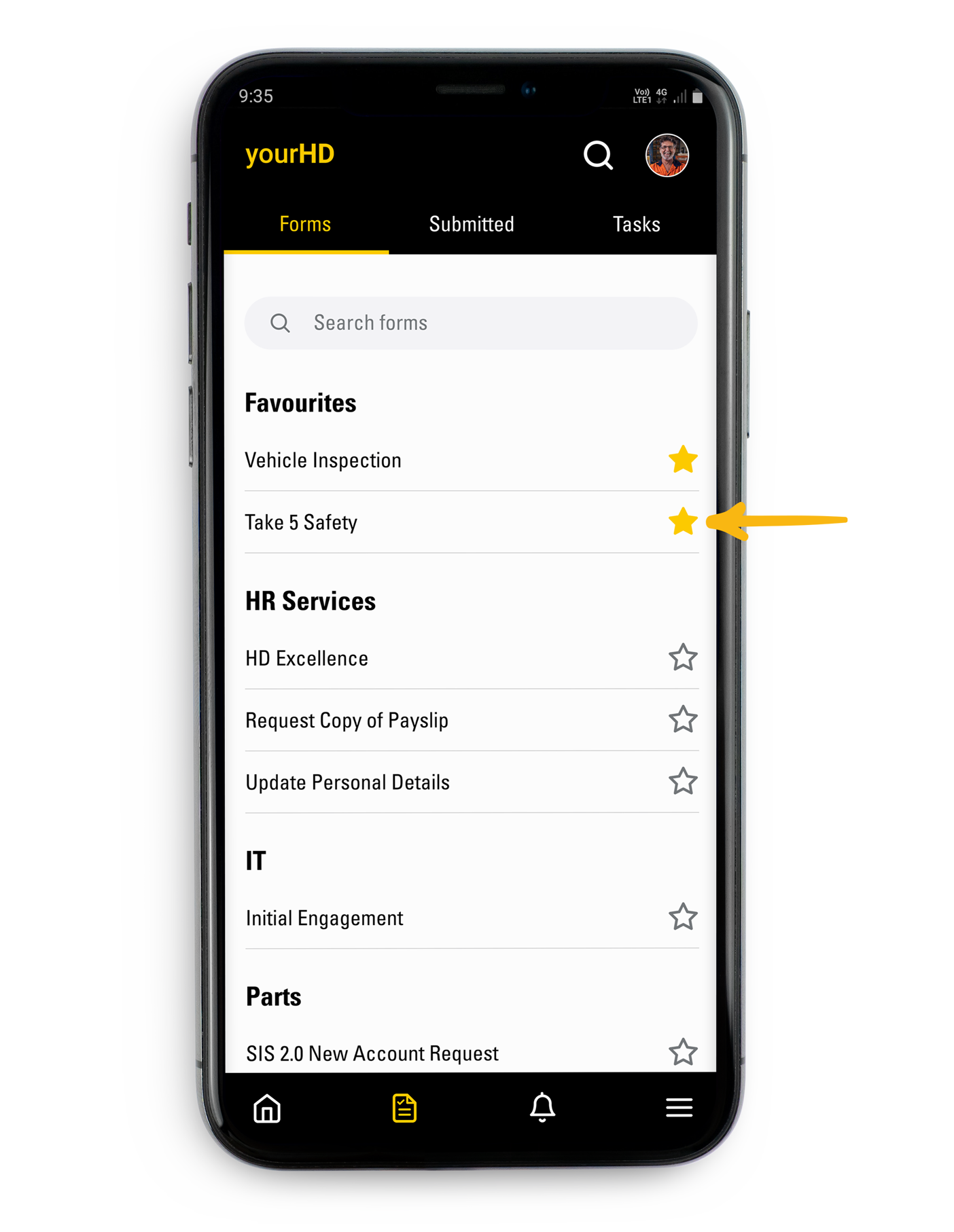
2) Tap the star next to the name of the form you want to add to your Favourites list at the top
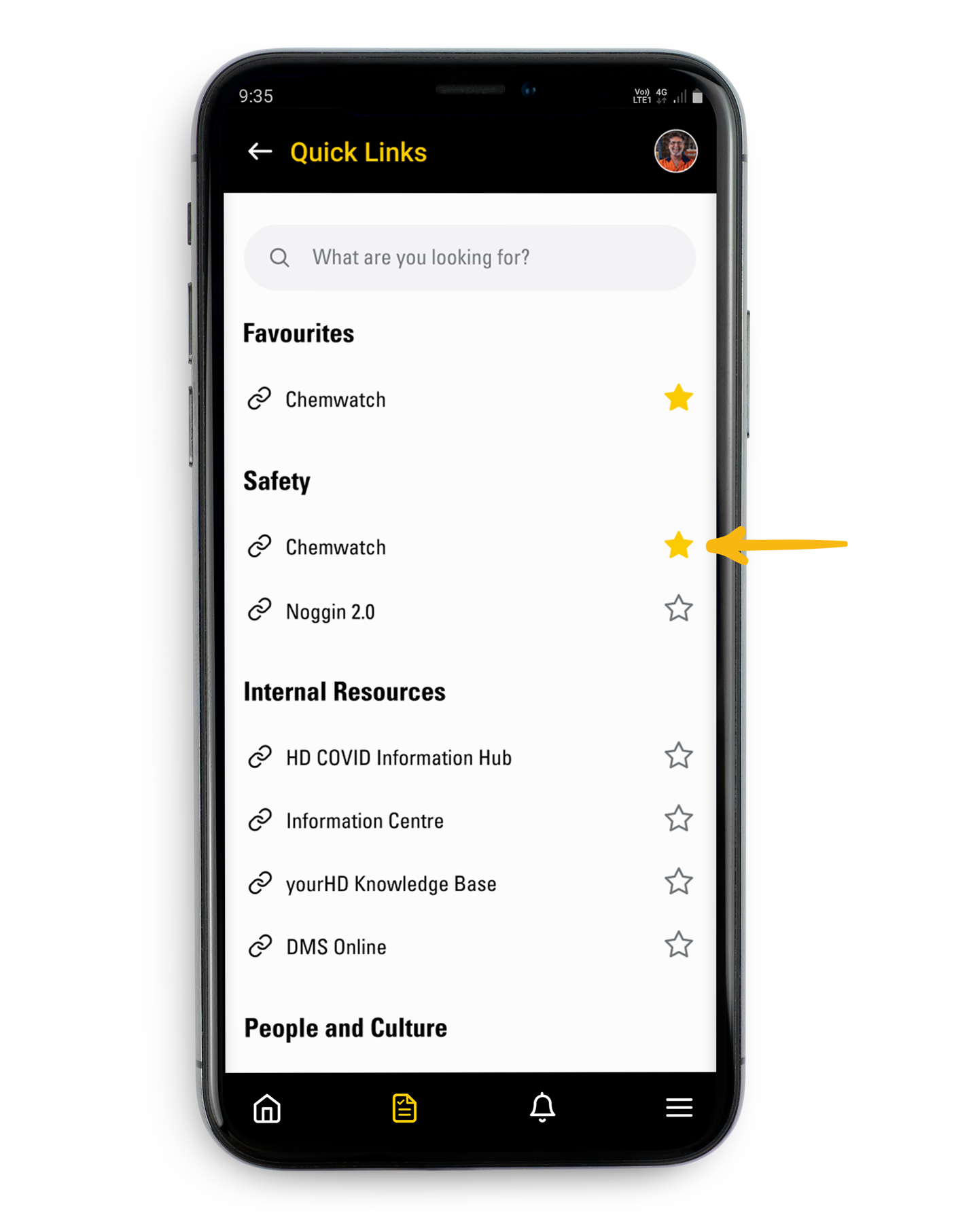
Quick Links
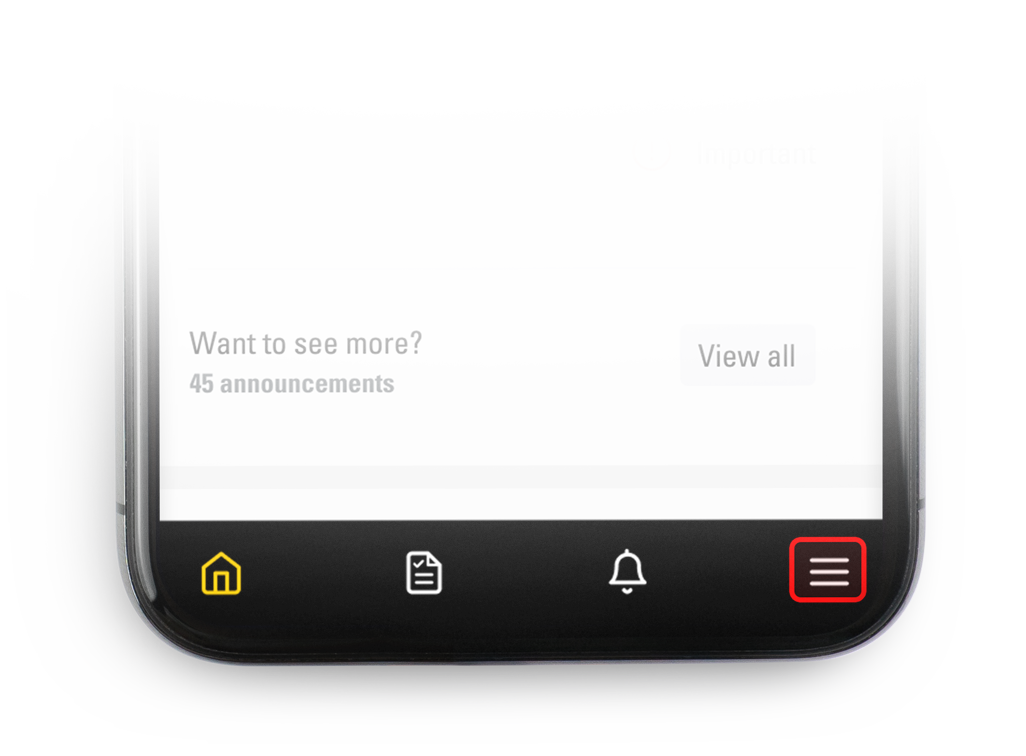
1) Tap the Main menu located at the far right in the bottom menu bar.
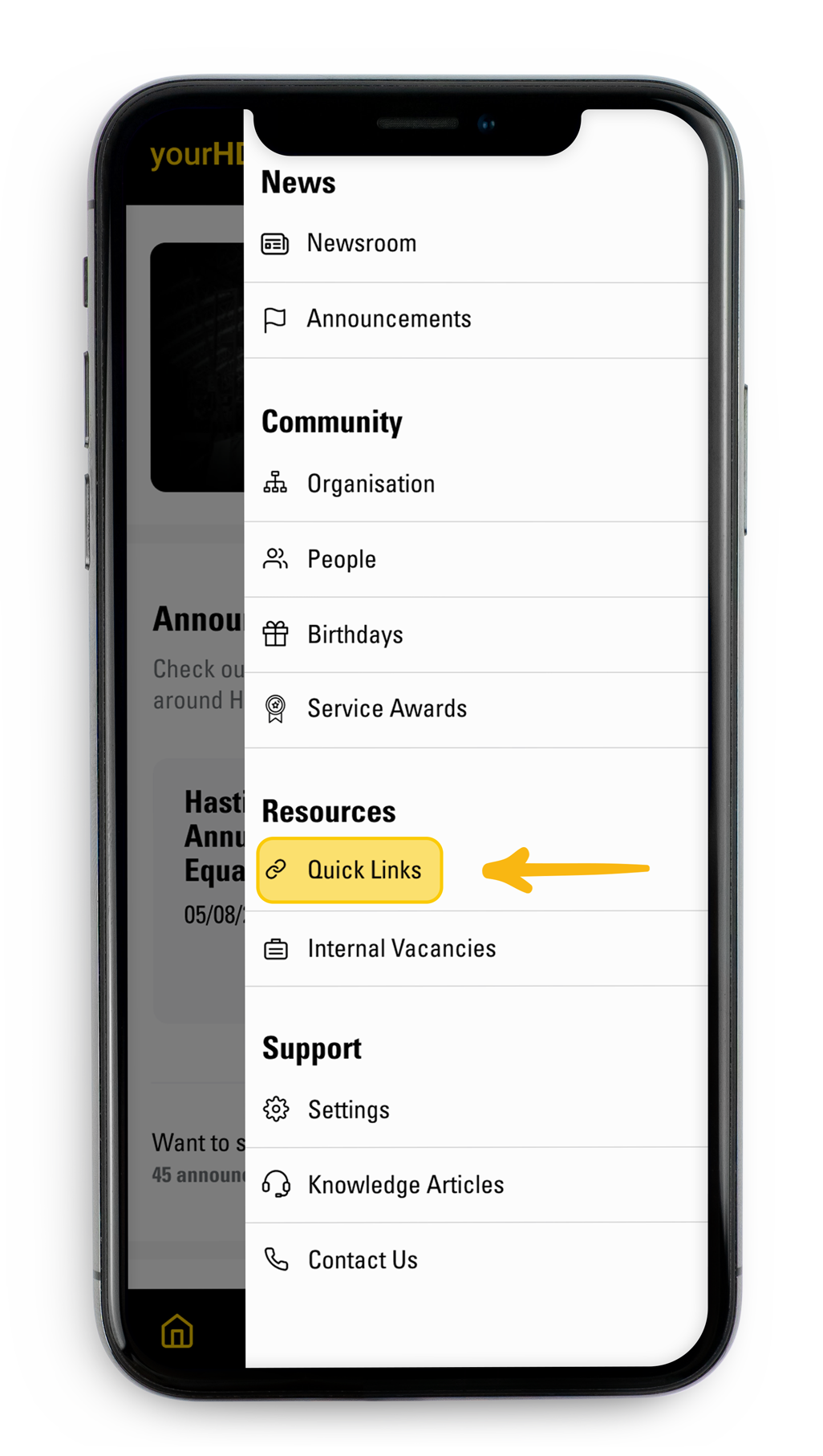
2) From the list accesses Quick links
3)Tap the star next to the name of the form you want to add to your Favourites list at the top
Comments
Please sign in to leave a comment.