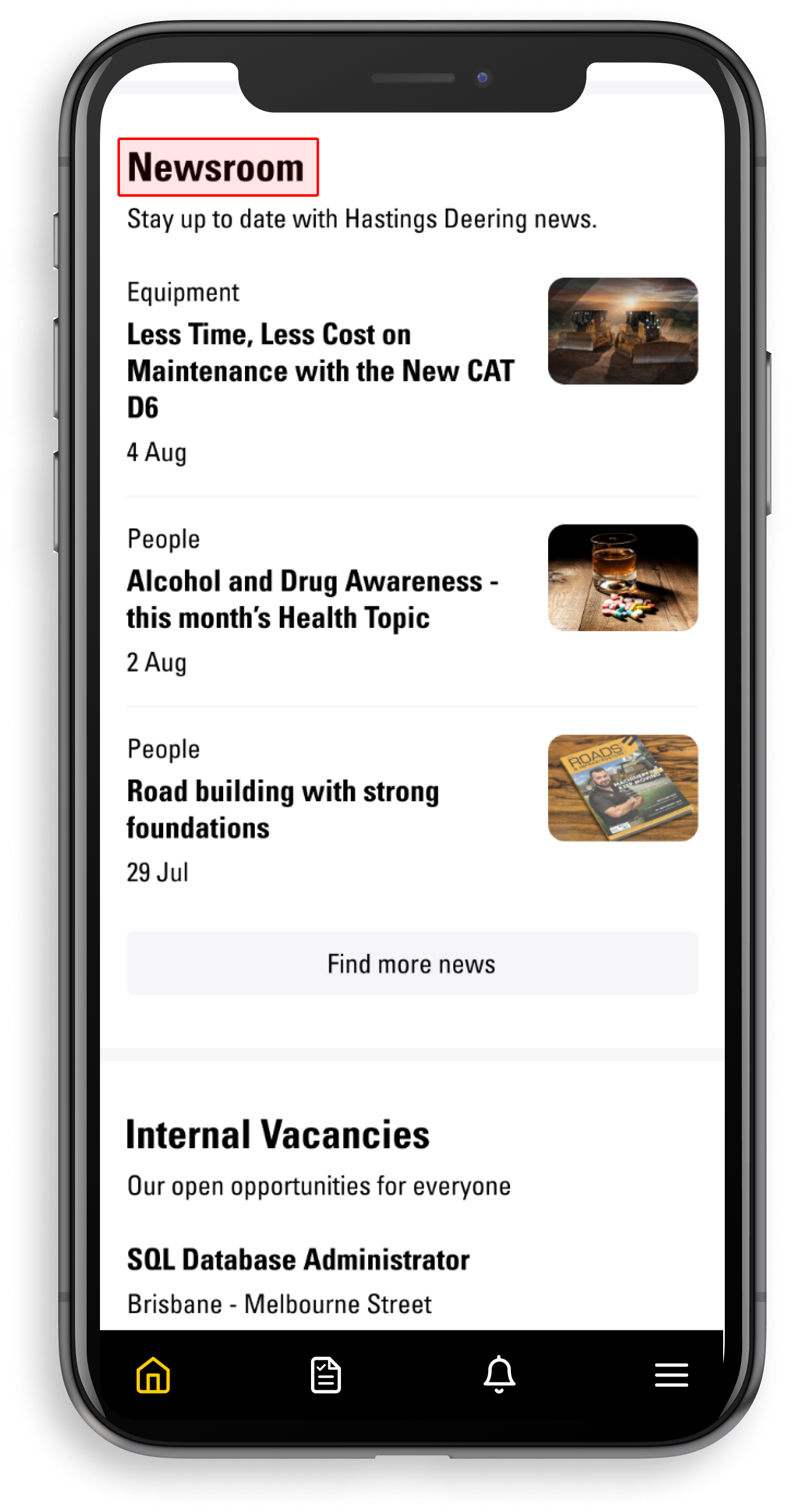
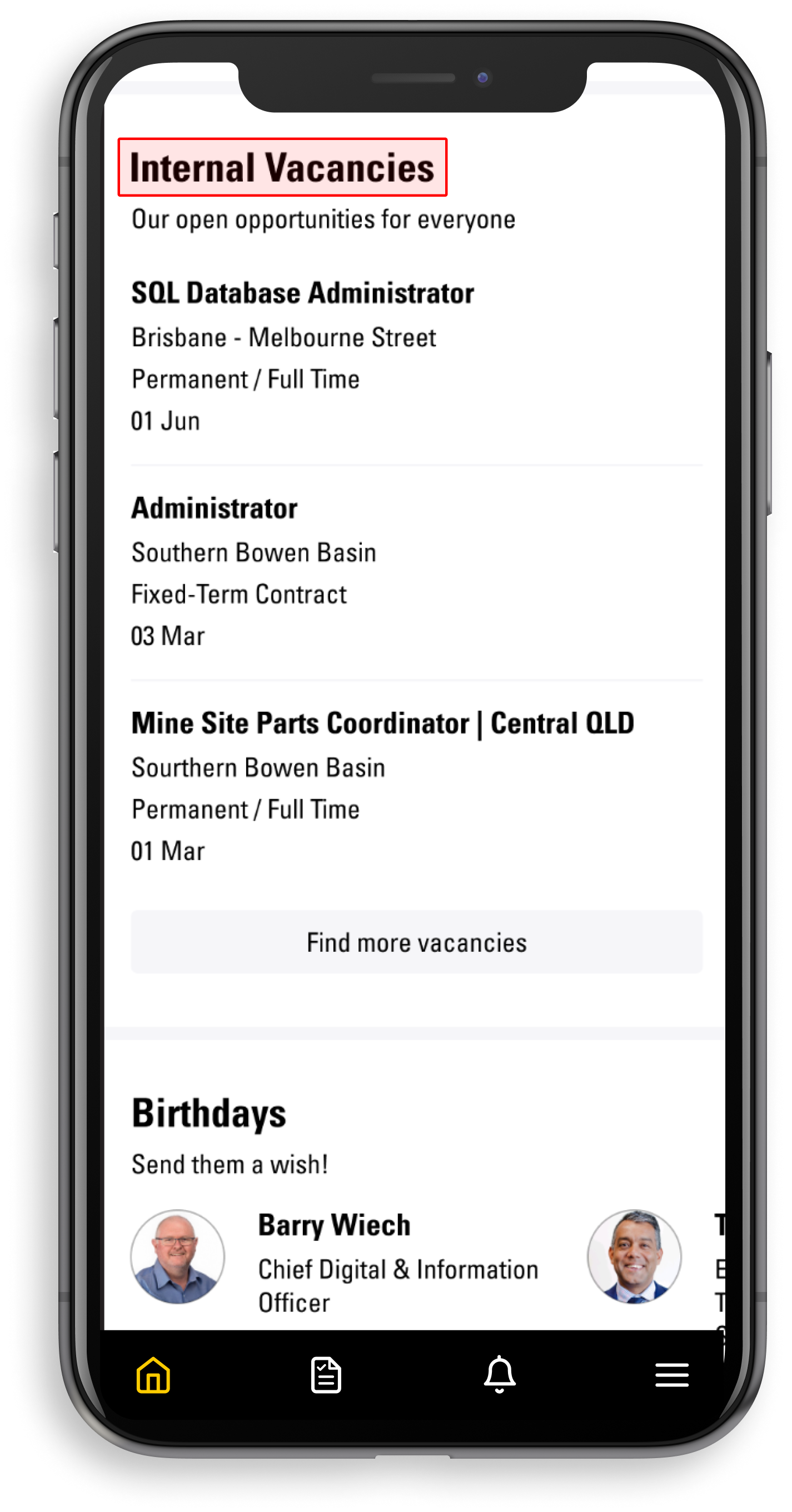
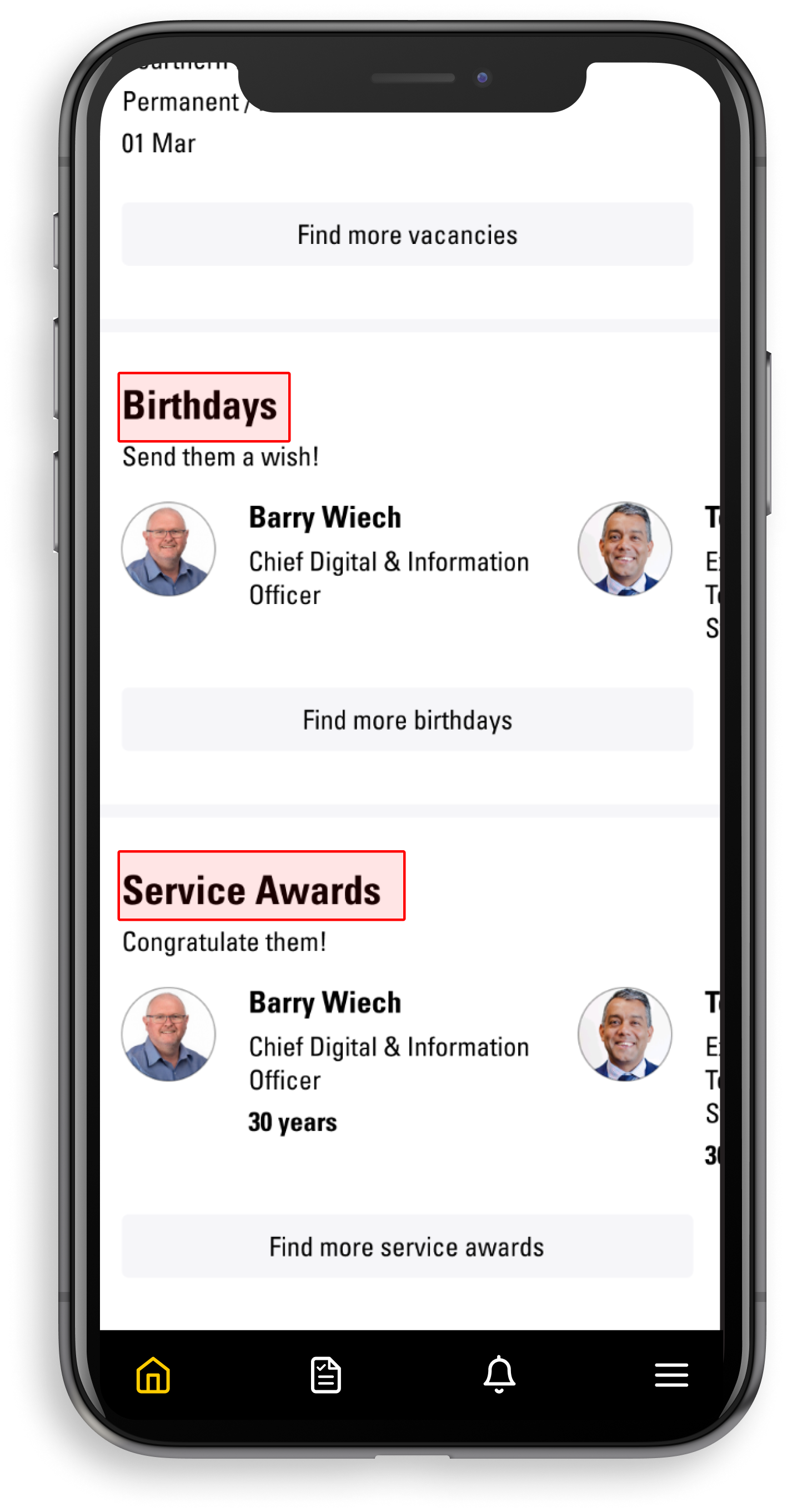
When users login to the yourHD app, they are directed to the main home page of the app. There are multiple sections on the home page. A brief description of each section is provided below:-
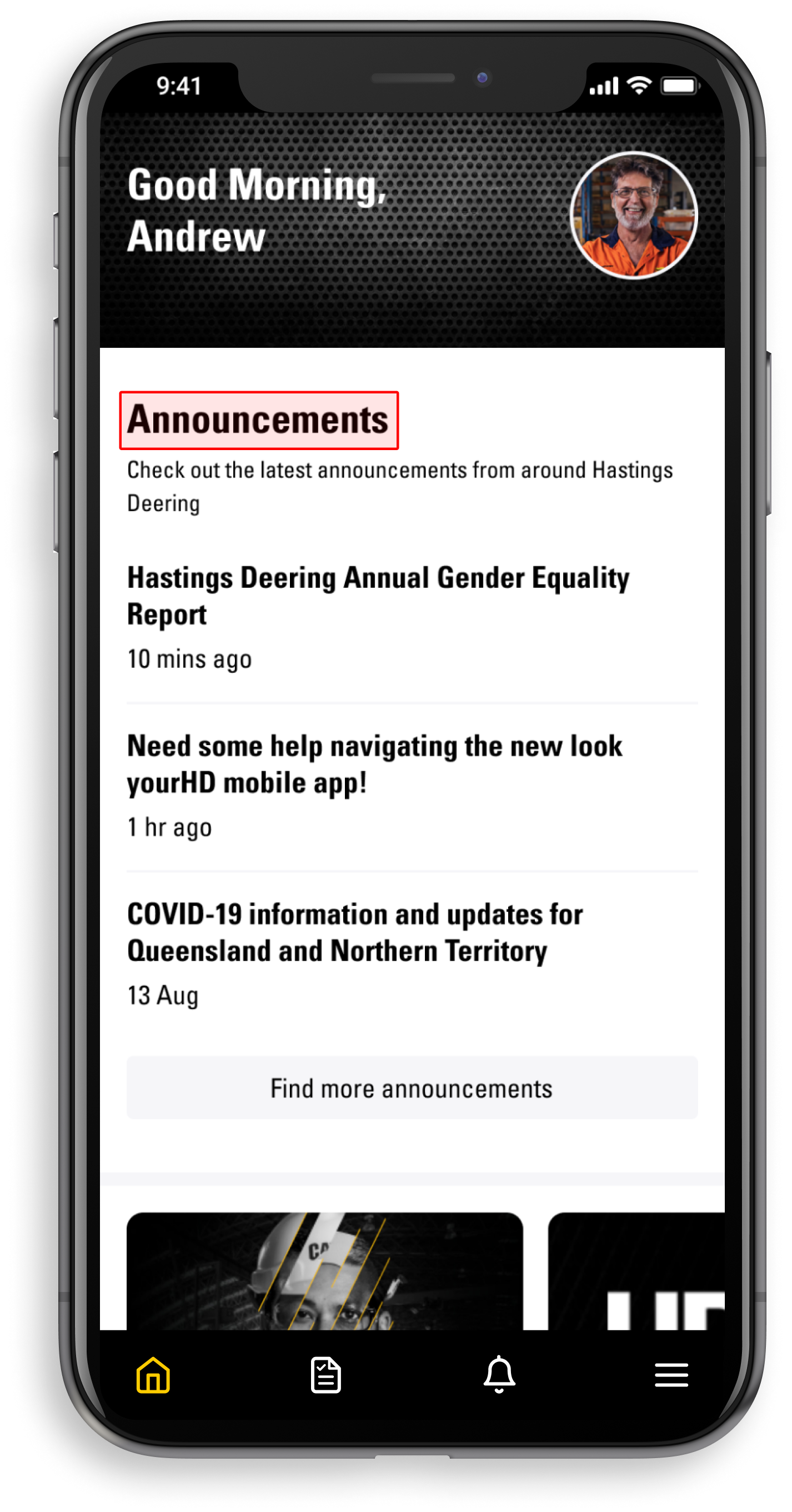
- Announcements - latest announcements from Hastings Deering
- News - bulletins from HD
- Vacancies - links to Workday to view current internal opportunities
- Birthdays - birthday announcements and upcoming birthdays
- Service Awards - work anniversaries
To view all Announcements/News/Vacancies/Birthdays/Service Awards at any point, select the "View all" option (located at the bottom right of each section).
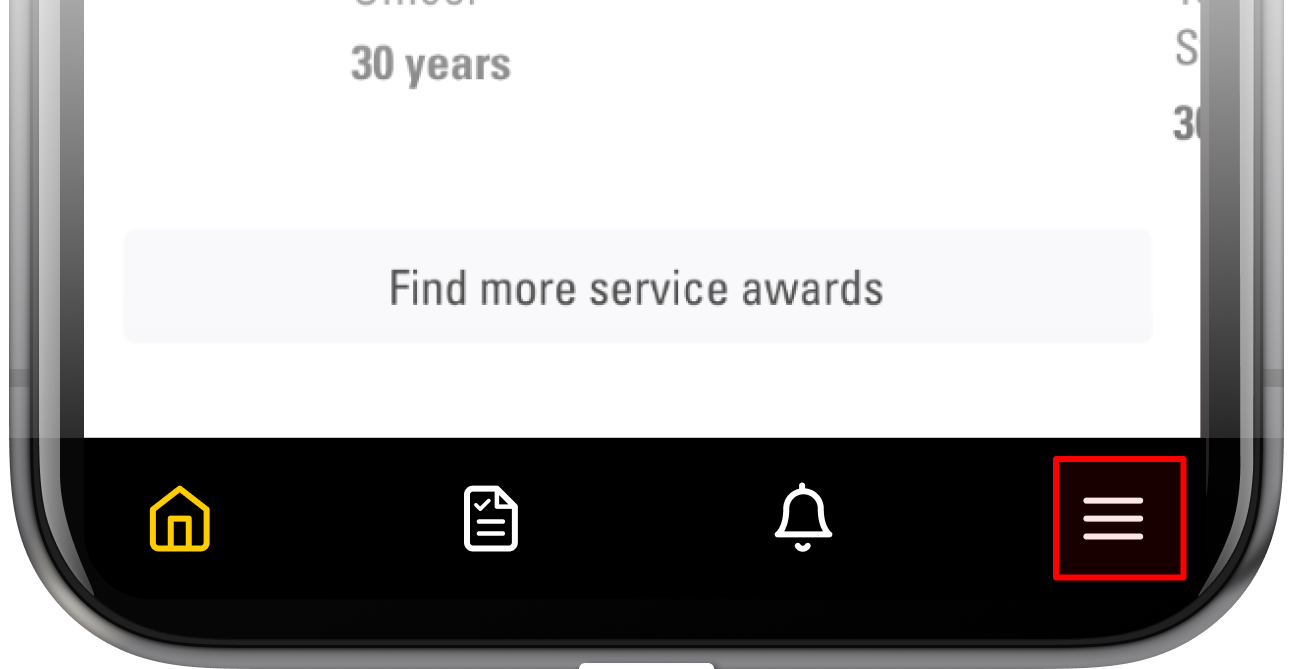
Bottom Menu
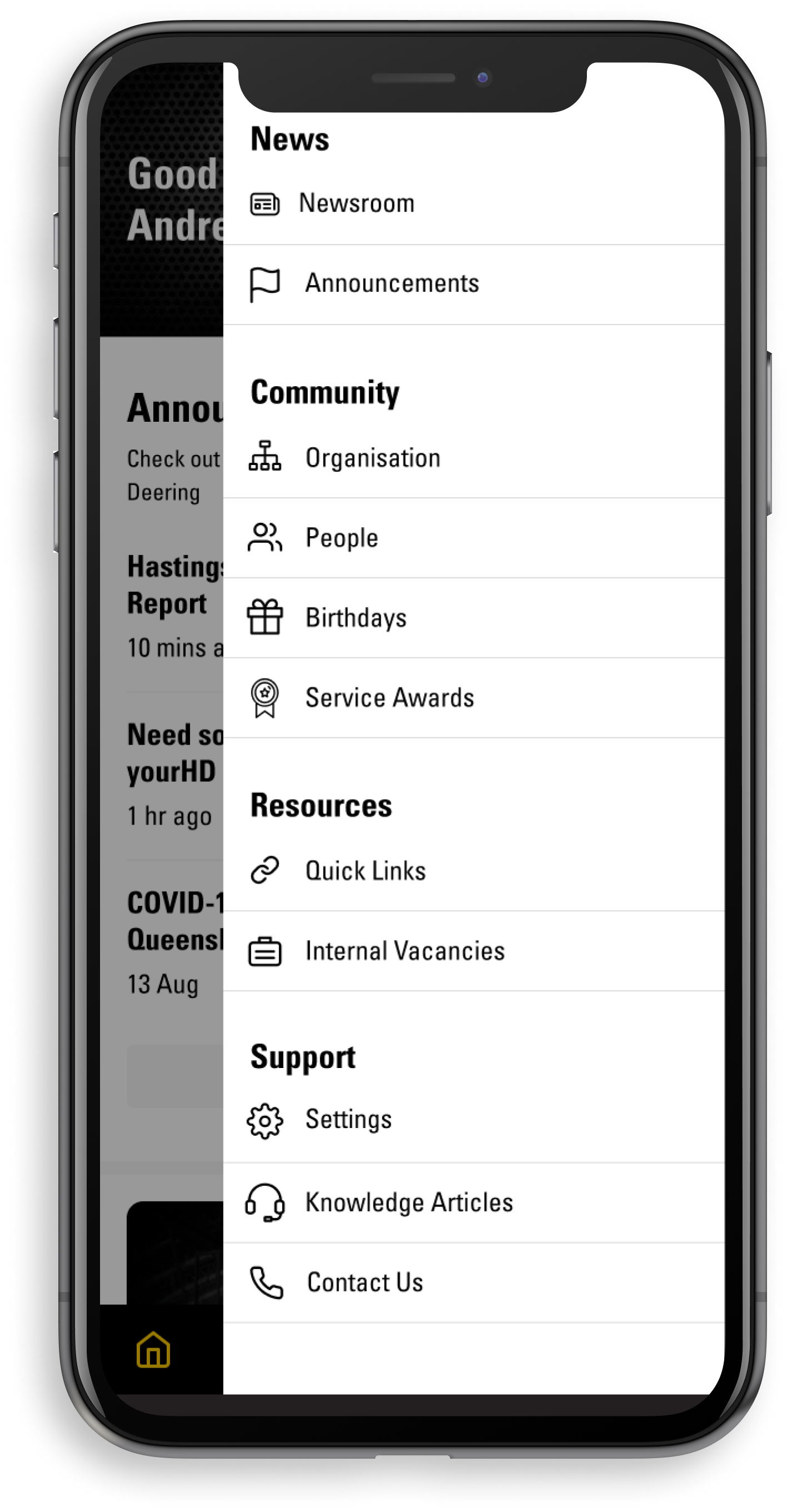
The bottom menu will help you to quickly find some of the most popular features in yourHD app, including the main menu located at the far right of the screen.
Comments
Please sign in to leave a comment.