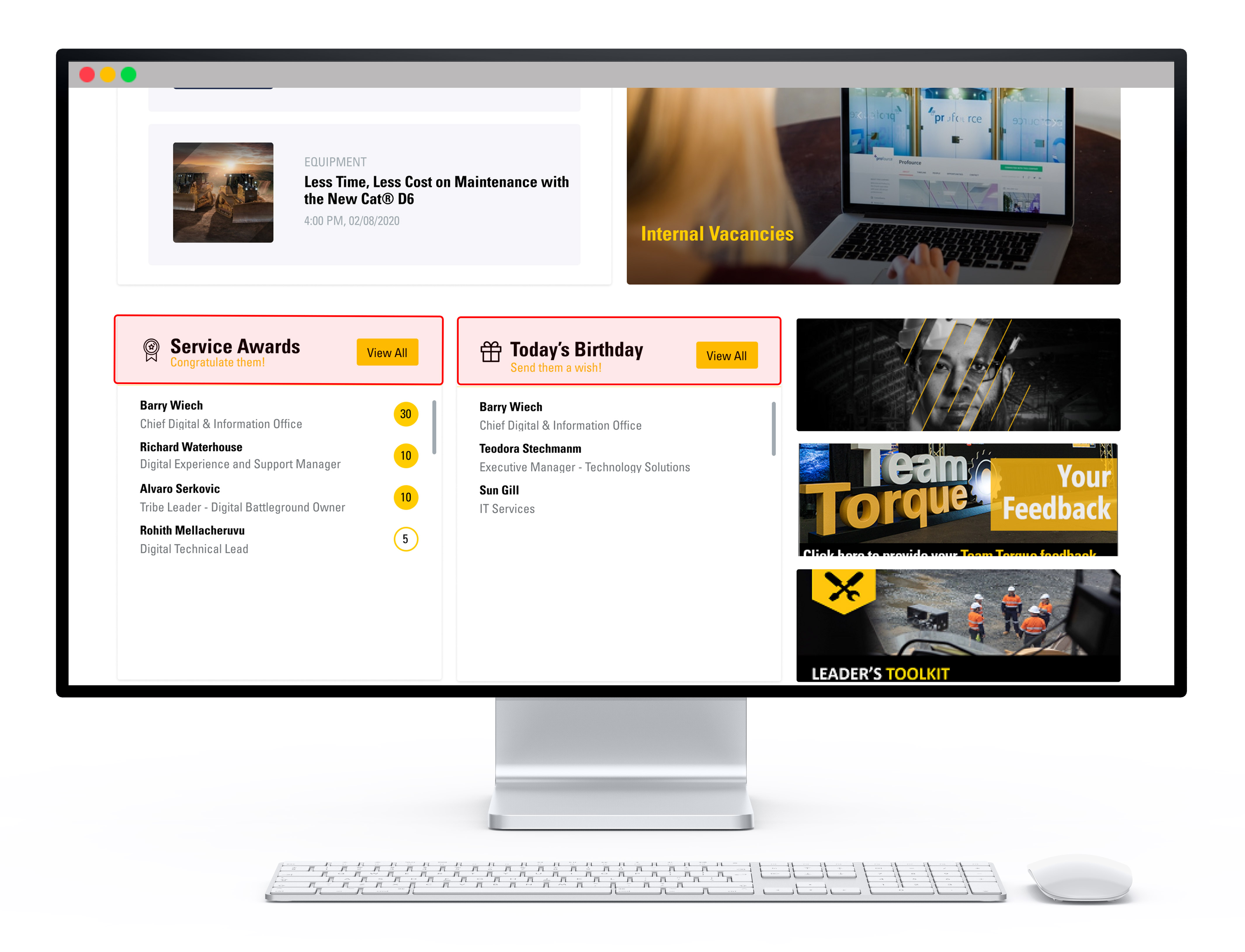
When users login to the yourHD app, they are directed to the main home page of the app. There are multiple sections on the home page. A brief description of each section is provided below:-
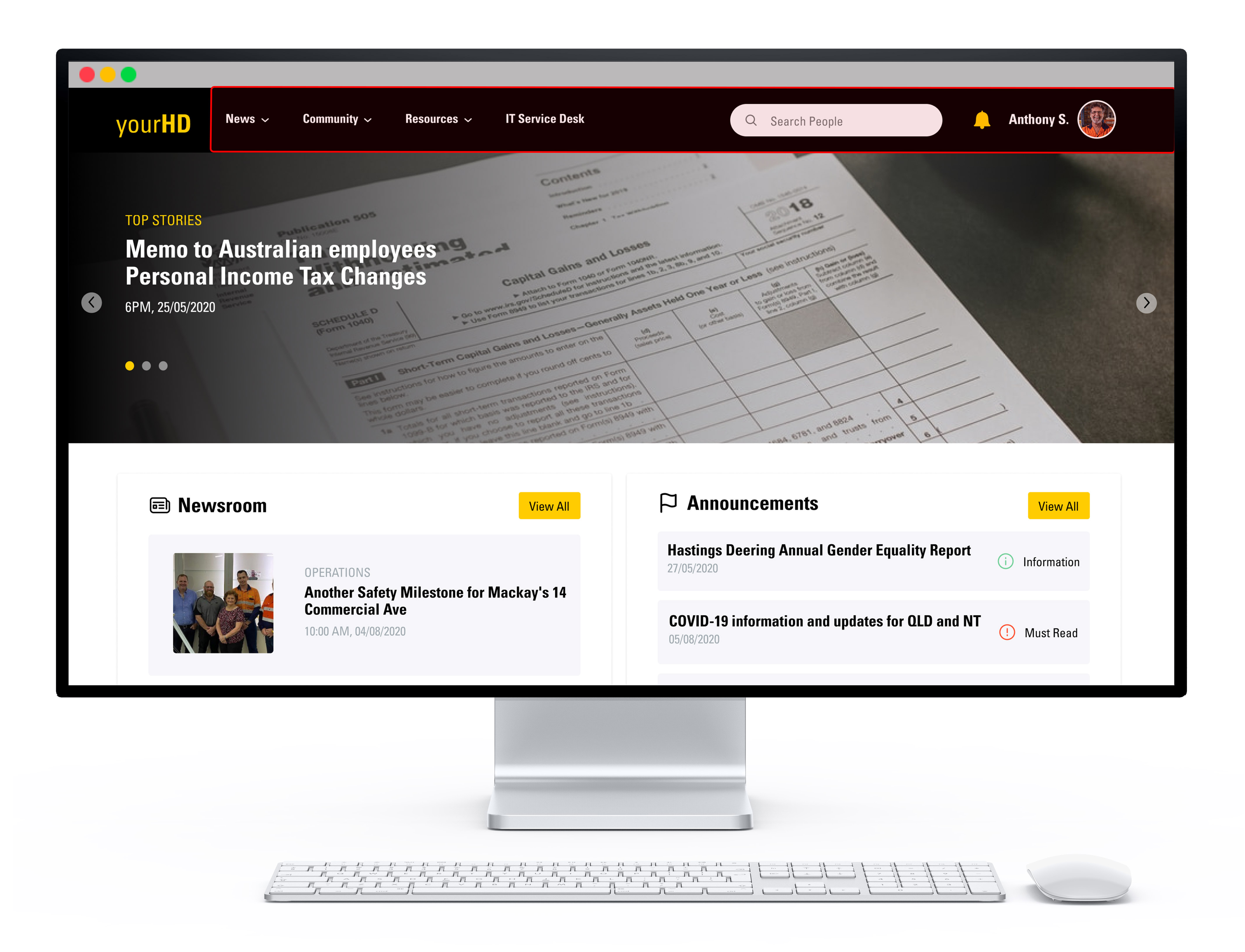

- Announcements - latest announcements from Hastings Deering
- News - bulletins from HD
- Vacancies - current internal opportunities
- Birthdays - birthday announcements and upcoming birthdays
- Service Awards - work anniversaries
Navigate around the portal
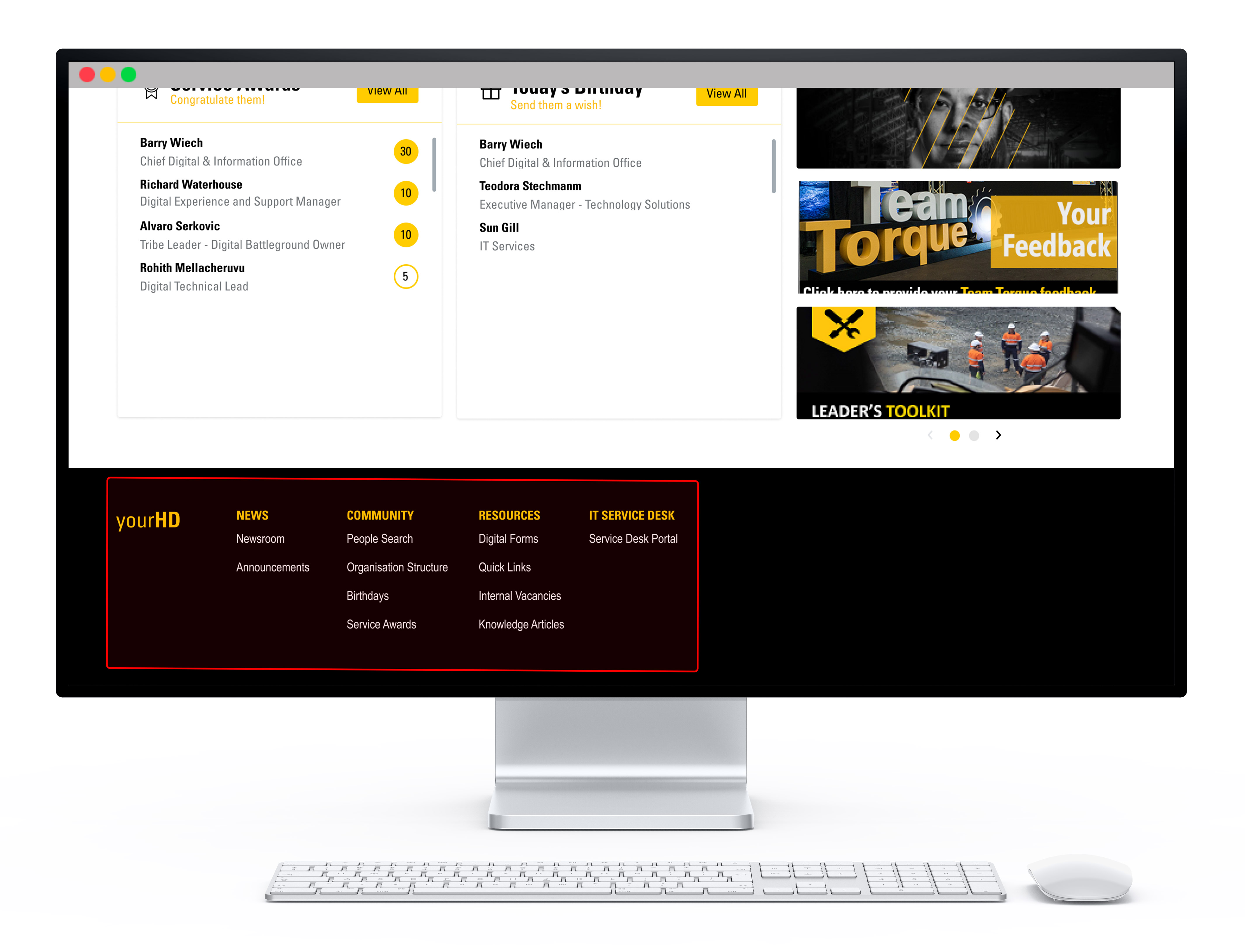
To navigate around the portal, you can use the drop-down menu at the top of the screen, or the bottom menu (these are the same).

To head back to the main home page, click on yourHD at any time.
Comments
Please sign in to leave a comment.